![ZKTeco SpeedFace-H5L[P]](/media/hw/zkteco-speedface-h5l.webp)
Face & palm terminal
SpeedFace-H5L[P]
Works with M1 TimePilotTouchless face and palm recognition with mask detection — the terminal to put on a busy staff entrance.
Specs & enquiryBiometric terminals, face and palm readers, and the tablet that turns a reception desk into a face kiosk. Every one of them feeds the same M1 TimePilot attendance engine.
A terminal on its own is rarely the question. How many doors, whether you need the lock controlled too, and what you already own change the answer completely. Tell us the shape of the problem and we will quote it properly.
Touchless face and palm recognition with mask detection — the terminal to put on a busy staff entrance.
Specs & enquiry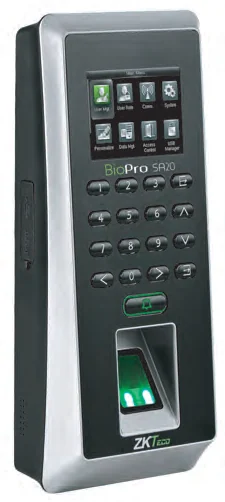
A fingerprint terminal built for fingers that real work ruins — dry, wet or rough.
Specs & enquiry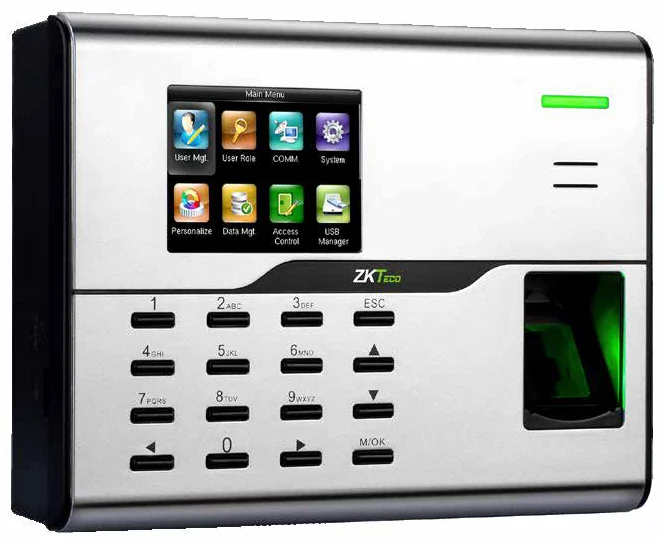
A 2.8-inch colour terminal with Wi-Fi built in and a USB port for when the network is not there.
Specs & enquiry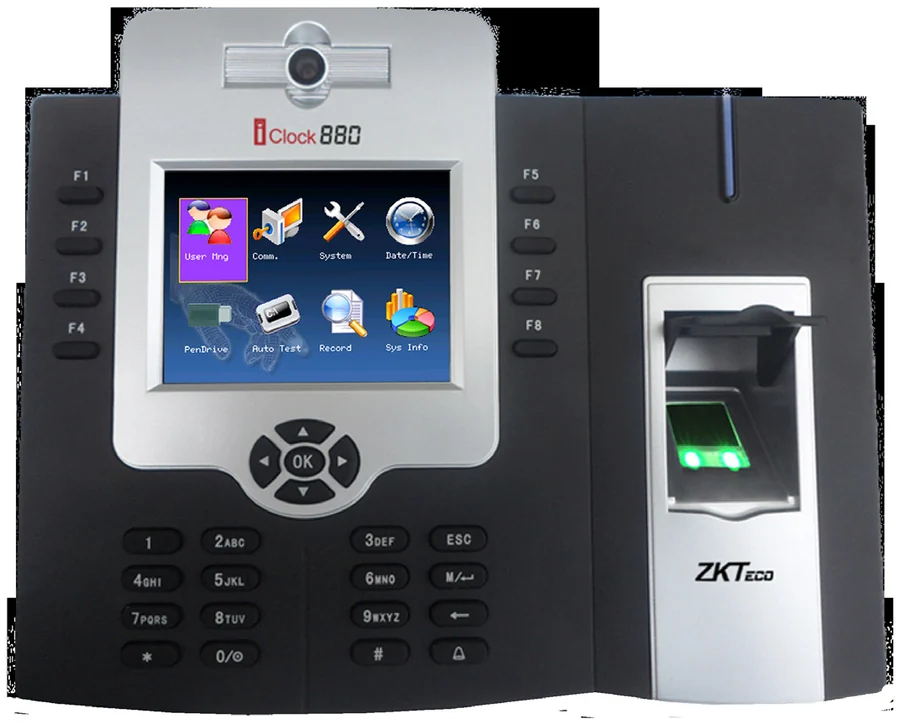
Fifty thousand templates, eight hundred thousand events and a battery that rides out a power cut.
Specs & enquiry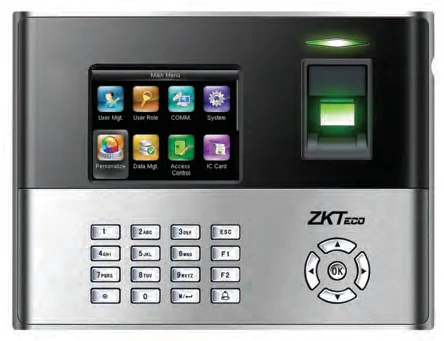
A 3-inch terminal with an optional battery that keeps working for about four hours without mains.
Specs & enquiry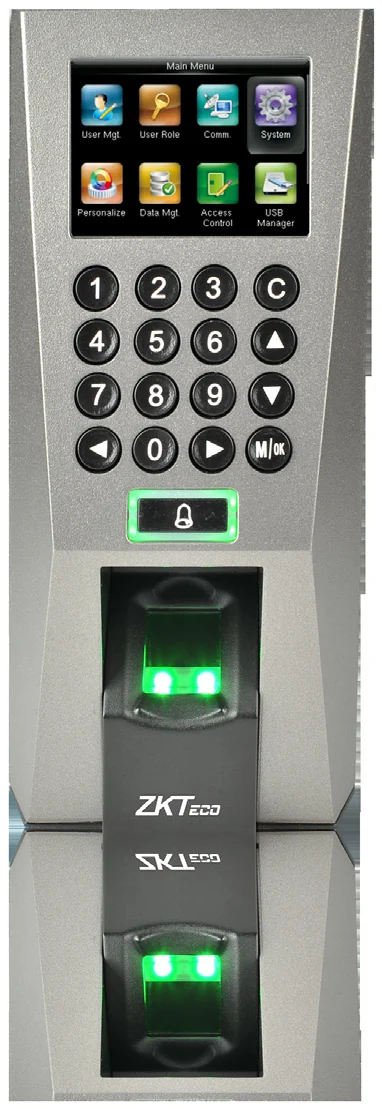
A slim reader for narrow door frames, at home on a third-party access panel.
Specs & enquiry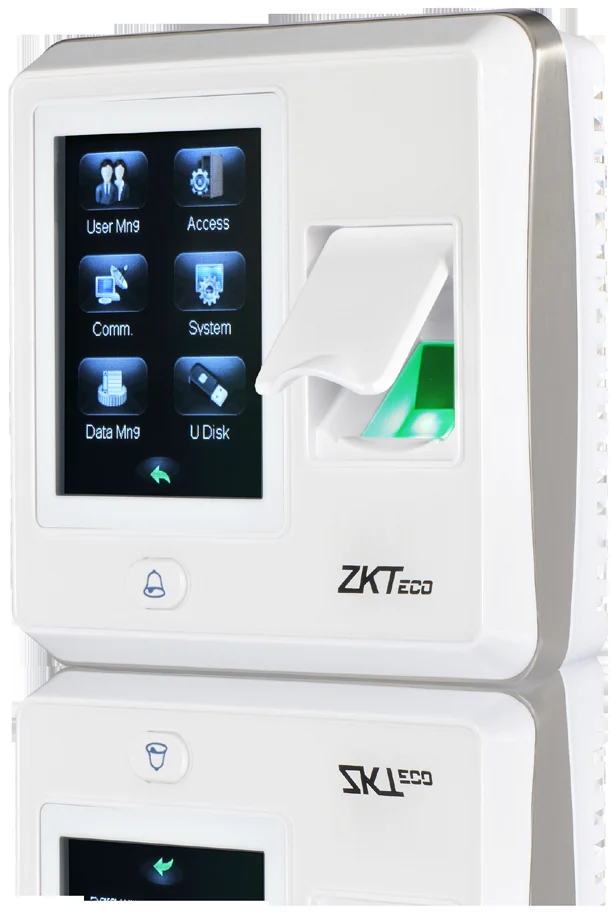
Small enough for a standard 86 mm back box, with a touch screen and fifteen ways to verify.
Specs & enquiry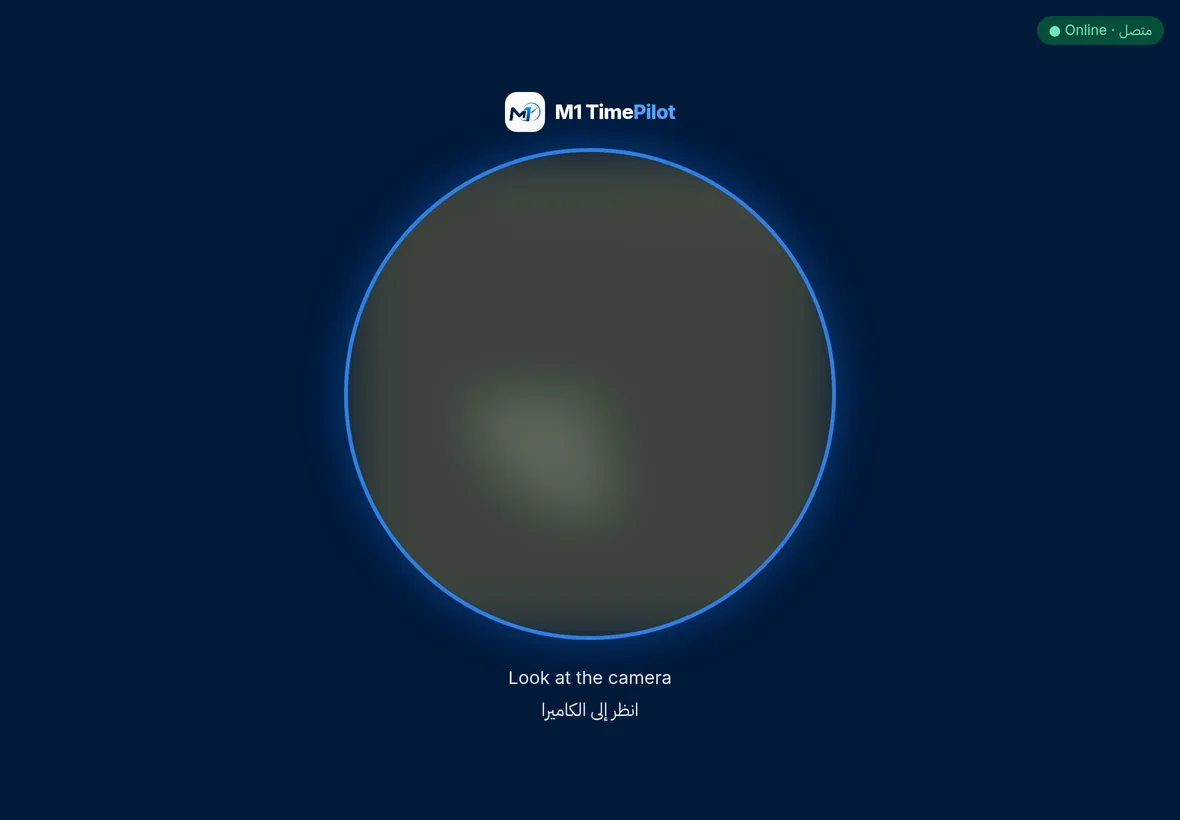
Turn a tablet on the reception desk into a face-recognition clock — no terminal on the wall.
Specs & enquiryOne protocol, one setting, no site server.
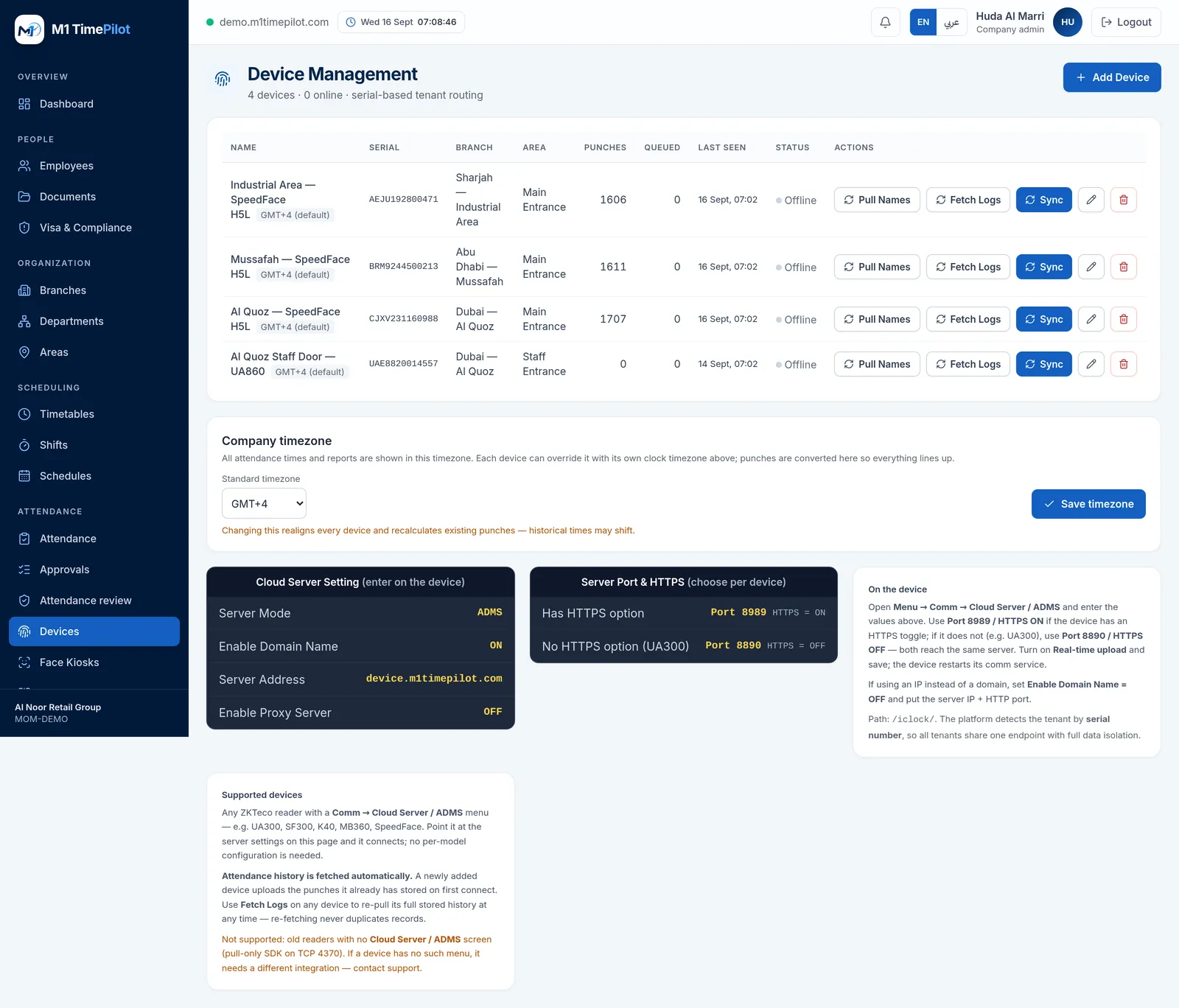
Enter the device’s serial number, choose its branch and area. The platform identifies a device by its serial, so every tenant shares one endpoint with full isolation.
On the device, open Comm → Cloud Server / ADMS and enter the server address shown on your Devices screen. Turn on real-time upload and save.
A newly added device uploads the punches it already had stored. Re-fetching never duplicates records, so you can pull history again any time.
M1 TimePilot captures attendance five other ways, and they all land in the same timesheet.
Branches, headcount, and whether you already own ZKTeco devices — that is usually enough for us to quote.
No. What a rollout costs depends on how many doors you are covering, whether you need access control on the same device, and what you already own. Send an enquiry and you get a real number for your situation, usually the same working day.
No. M1 TimePilot works with any ZKTeco reader that has a Comm → Cloud Server / ADMS menu, wherever you bought it. We supply hardware because customers ask us to, not because the software requires it.
Usually, yes. Check the device menu for Comm → Cloud Server / ADMS. If it is there, point it at our server and punches start arriving, including the history already stored on the device. Older pull-only readers on TCP 4370 with no such menu are not supported.
Yes, on the terminal. Most of these models take an optional EM, Mifare or HID card module; the terminal verifies the card and pushes the punch to M1 TimePilot exactly like a fingerprint or a face. Card capacity differs per model — it is listed on each device page.
Then you do not need one. A tablet running the face kiosk, a rotating QR code at the entrance, or GPS check-in from the employee’s own phone all feed the same attendance engine.
Start a free trial, or talk to us about your sites, devices and shifts.