ZKTeco SpeedFace-H5L[P]
Touchless face and palm recognition with mask detection — the terminal to put on a busy staff entrance.
![ZKTeco SpeedFace-H5L[P] — Face and palm terminal](/media/hw/zkteco-speedface-h5l.webp)
The SpeedFace-H5L[P] verifies a face or a palm without anyone touching the device. It reads through a mask, and its 3-in-1 palm recognition — palm shape, palm print and palm vein — completes in 0.35 seconds against a store of up to 3,000 palm templates.
Best for: Staff entrances, offices and clinics where hygiene matters and queues need to move.
Enquiry only — we do not publish hardware prices, because the right answer depends on how many doors you are covering.
What it does well
Touchless, and fast
Visible-light facial recognition plus 3-in-1 palm verification in 0.35 seconds per hand. Nothing to touch means nothing to clean between shifts.
Reads a masked face
Mask detection is built in and verification still works with a mask on. ZKTeco notes that masked facial verification raises the false-accept rate, and recommends palm verification for masked staff.
Hard to spoof
The anti-spoofing algorithm rejects printed photographs (laser, colour and black-and-white), video replay attacks and 3D masks.
Card as well, if you want it
Optional 125 kHz EM or 13.56 MHz Mifare card module, so staff who prefer a card can still use one. Card punches reach M1 TimePilot exactly like a face punch.
Specifications
Taken from the manufacturer datasheet. ZKTeco may change specifications without notice.
| Verification | Face · Palm · Fingerprint · Card · Password |
|---|---|
| Palm recognition | 3-in-1 — palm shape, palm print and palm vein · 0.35 s per hand · up to 3,000 palm templates |
| Mask detection | Yes — facial verification available while masked |
| Anti-spoofing | Print attack (laser / colour / B&W photo), video attack, 3D mask attack |
| Card options | 125 kHz EM card or 13.56 MHz IC card (MF) |
| Supplement light | Adjustable brightness |
| Communication | Wi-Fi (standard) · TCP/IP |
Does it work with M1 TimePilot?
Named in M1 TimePilot’s supported-device list.
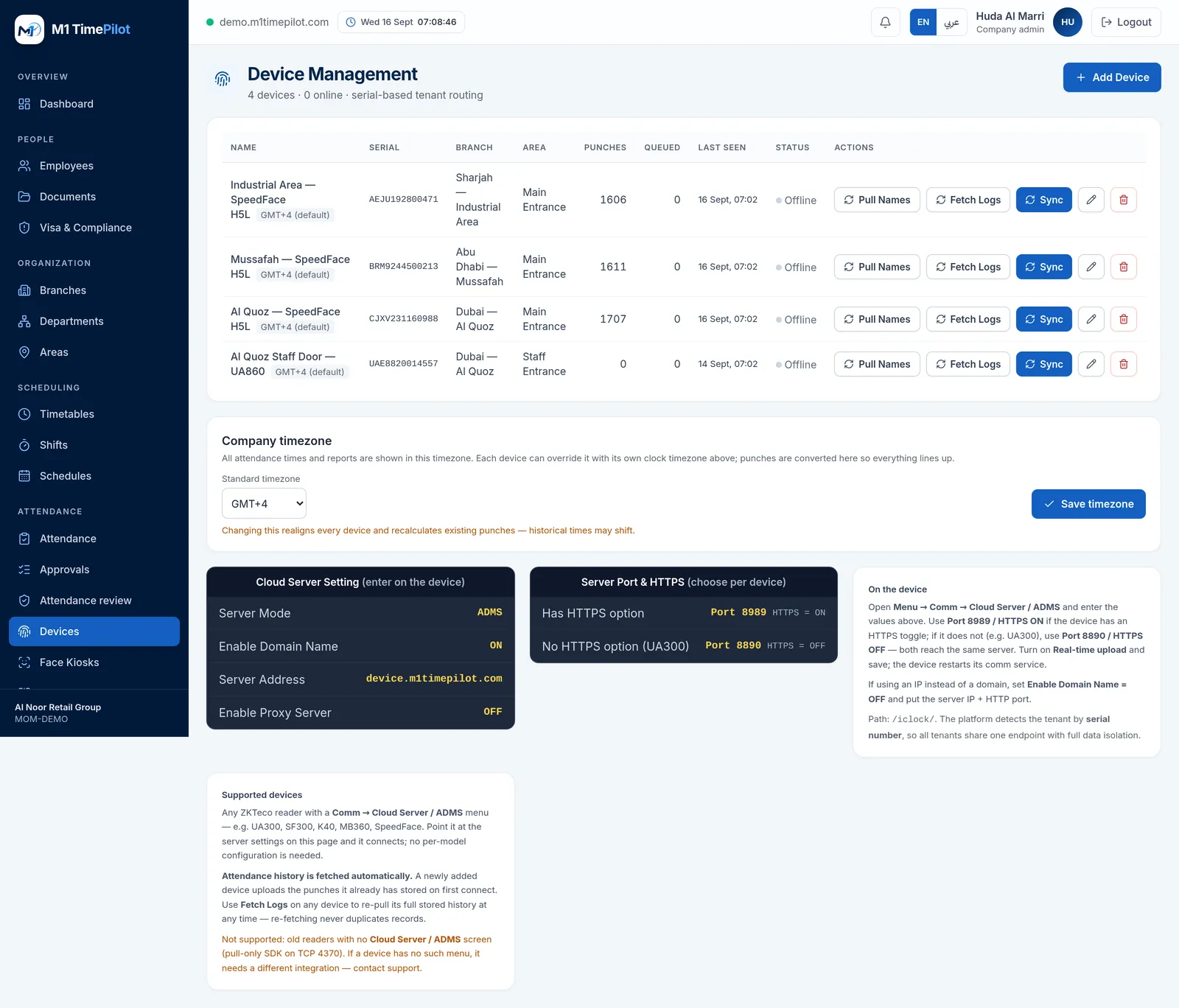
M1 TimePilot collects punches over ZKTeco’s ADMS / Cloud-Push protocol. A device works with the platform when its firmware has a Comm → Cloud Server / ADMS menu; you point that menu at our server and punches start arriving. Older pull-only readers that expose nothing but an SDK on TCP 4370 are not supported.
Request a quote
Tell us what you are covering and we will come back with options and pricing.
Ready to get started?
Start a free trial, or talk to us about your sites, devices and shifts.