ZKTeco F18
A slim reader for narrow door frames, at home on a third-party access panel.
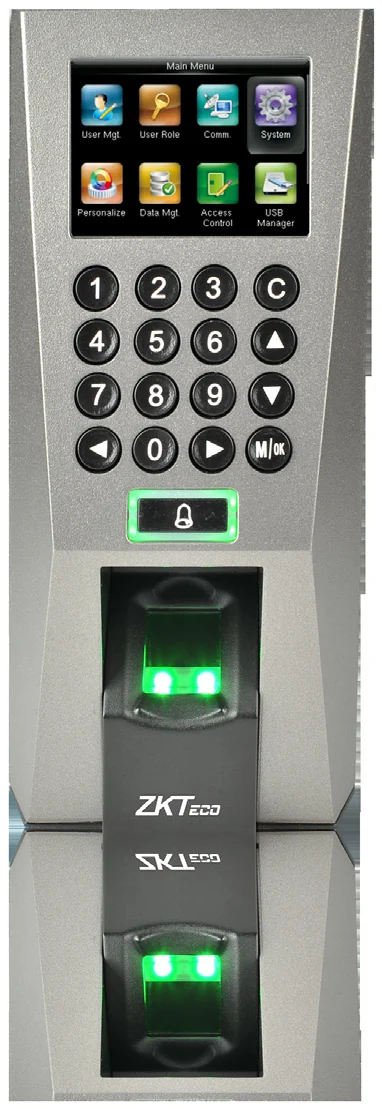
The F18 is an access-control reader first. Its streamlined body suits narrow frames and mullions, and it works either standalone or as a Wiegand reader on any third-party access panel. TCP/IP and RS485 are both available.
Best for: Door access on narrow frames, and as a slave reader on an existing panel.
Enquiry only — we do not publish hardware prices, because the right answer depends on how many doors you are covering.
What it does well
Fits where others do not
A slim, streamlined body designed for narrow spaces — door mullions and glass frames.
Standalone or slave
Install it on its own, or wire it to any third-party panel that accepts standard Wiegand.
Access control throughout
Anti-passback, webserver, and interfaces for a third-party electric lock, door sensor, exit button, alarm and doorbell.
Multi-level privileges
Firmware with flexible user-privilege settings for multi-level management.
Specifications
Taken from the manufacturer datasheet. ZKTeco may change specifications without notice.
| Display | 2.4-inch TFT LCD colour screen |
|---|---|
| Fingerprint capacity | 3,000 |
| Card capacity | 5,000 (optional) — ID / Mifare / HID |
| Transaction capacity | 30,000 |
| Sensor | ZK optical sensor |
| Algorithm | ZK Finger V9.0 & V10.0 |
| Communication | RS232/485 · TCP/IP · USB-host |
| Wiegand | Input, output, SRB |
| Functions | DST, record query, anti-passback, external RS485 fingerprint reader, optional printer |
| Software | Standalone SDK · ZKAccess 3.5 |
| Power | 12 V DC, 3 A |
| Dimensions | 80 × 183 × 42 mm (W×D×H) |
Does it work with M1 TimePilot?
This is an access-control reader; the datasheet names ZKAccess 3.5, not ADMS. Ask us before ordering it for attendance.
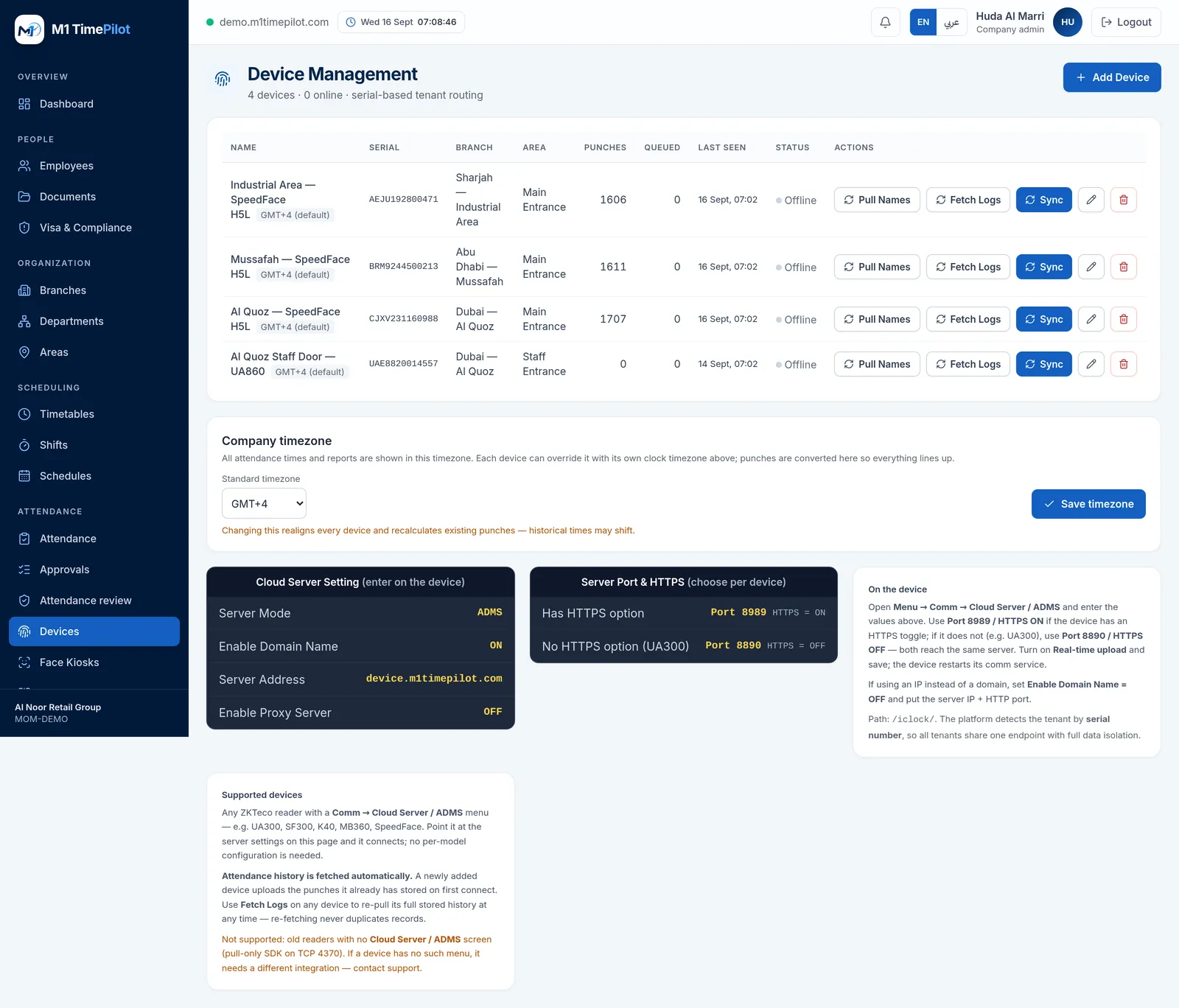
M1 TimePilot collects punches over ZKTeco’s ADMS / Cloud-Push protocol. A device works with the platform when its firmware has a Comm → Cloud Server / ADMS menu; you point that menu at our server and punches start arriving. Older pull-only readers that expose nothing but an SDK on TCP 4370 are not supported.
Request a quote
Tell us what you are covering and we will come back with options and pricing.
Ready to get started?
Start a free trial, or talk to us about your sites, devices and shifts.