ZKTeco SF300
Small enough for a standard 86 mm back box, with a touch screen and fifteen ways to verify.
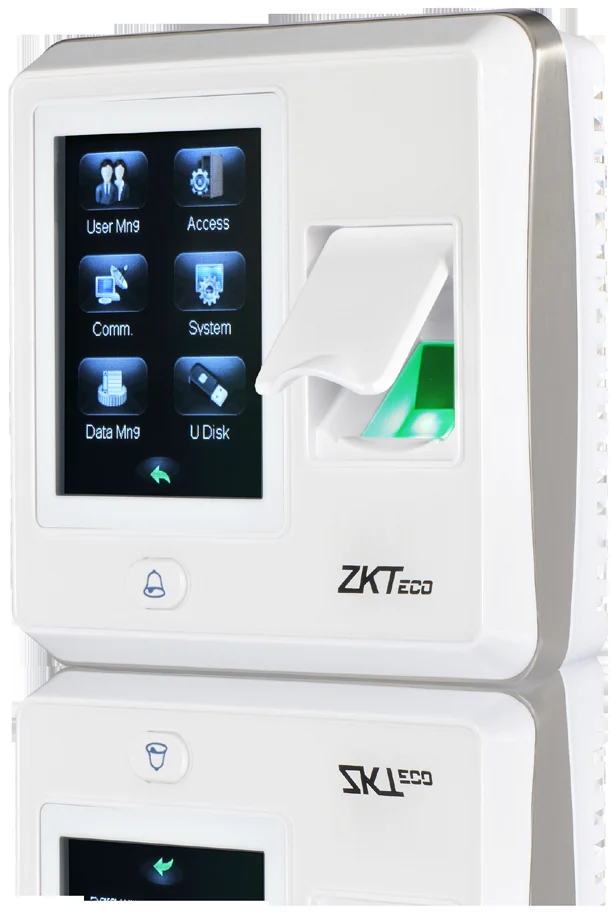
The SF300 fits a standard 86 × 86 mm socket box, which makes it the tidy choice for an office where a surface-mounted terminal would look wrong. It runs in network or standalone mode and supports up to fifteen multi-verification methods.
Best for: Offices and receptions where the terminal has to sit flush and look deliberate.
Enquiry only — we do not publish hardware prices, because the right answer depends on how many doors you are covering.
What it does well
Fits a standard back box
105 × 105 × 34 mm, designed for 86 mm (L) × 86 mm (H) socket installation.
Touch screen
A 2.8-inch colour touch display with a graphical interface, plus audible accept and reject signals.
Master and slave
Wiegand output makes it a slave reader on a third-party panel; Wiegand input lets two SF300s guard entry and exit with anti-passback.
Bells and emergencies
Up to 24 user-defined schedules for a daily bell, and an auxiliary input for a smoke detector or emergency switch that opens the door on alarm.
Specifications
Taken from the manufacturer datasheet. ZKTeco may change specifications without notice.
| Display | 2.8-inch resistive touch screen |
|---|---|
| Sensor | ZK optical sensor (500 DPI) |
| Algorithm | ZKFinger VX10.0 |
| Fingerprint capacity | 1,500 |
| Card capacity | 5,000 (optional) — EM / IC card |
| Records capacity | 80,000 |
| Communication | TCP/IP · USB host |
| Wiegand | Input & output |
| Access control | Electric lock, door sensor, alarm, exit button, door bell |
| Power | DC 12 V / 3 A |
| Dimensions | 105 × 105 × 34 mm (L×W×H) |
| Operating range | 0 – 45 °C (32 – 113 °F) · 20 – 80 % humidity |
Does it work with M1 TimePilot?
Named in M1 TimePilot’s supported-device list.
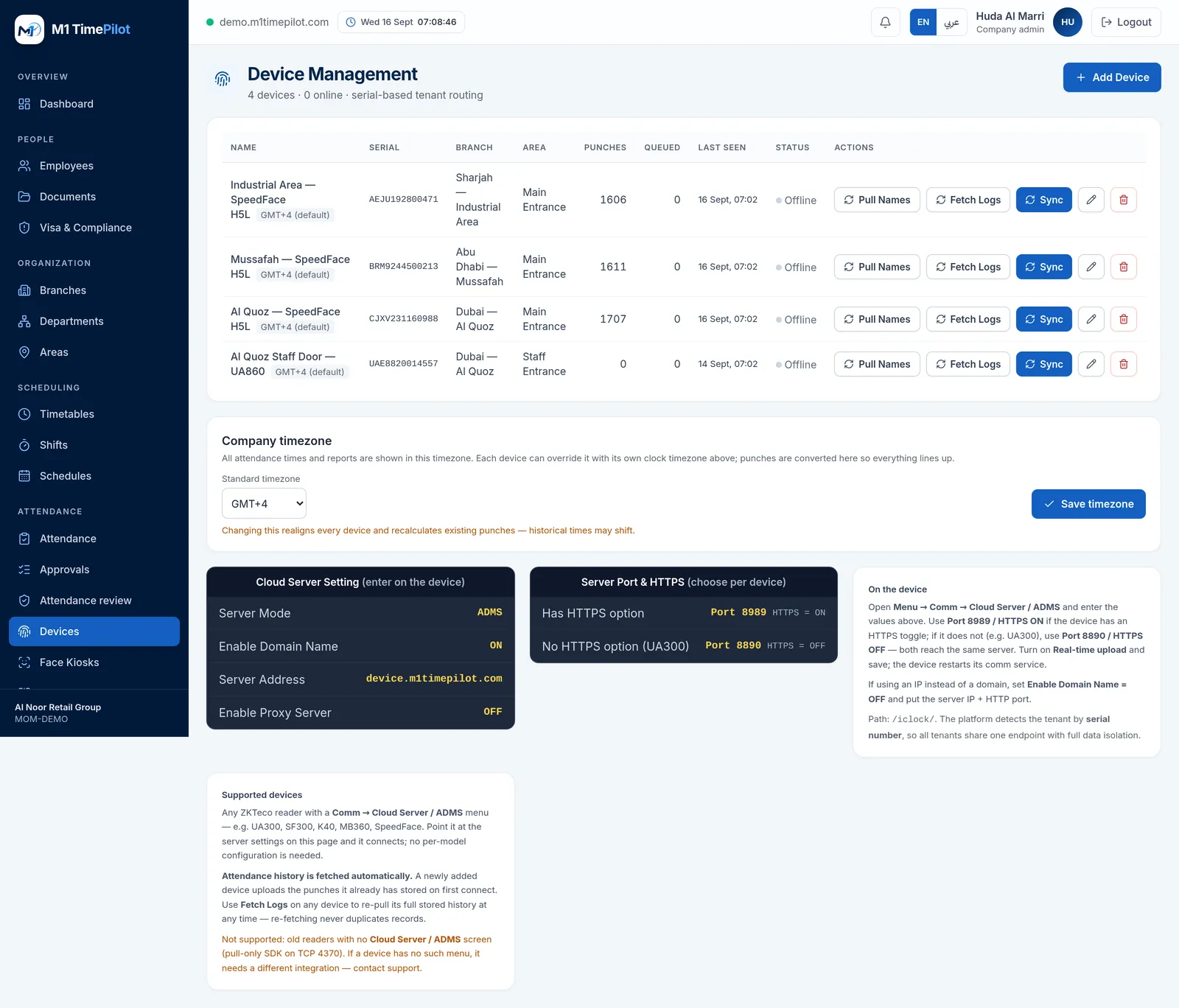
M1 TimePilot collects punches over ZKTeco’s ADMS / Cloud-Push protocol. A device works with the platform when its firmware has a Comm → Cloud Server / ADMS menu; you point that menu at our server and punches start arriving. Older pull-only readers that expose nothing but an SDK on TCP 4370 are not supported.
Request a quote
Tell us what you are covering and we will come back with options and pricing.
Ready to get started?
Start a free trial, or talk to us about your sites, devices and shifts.