iPad face-attendance kiosk
Stand a tablet on the reception desk and it becomes a face-recognition clock. No terminal on the wall, no app to install, and it keeps working when the internet does not.
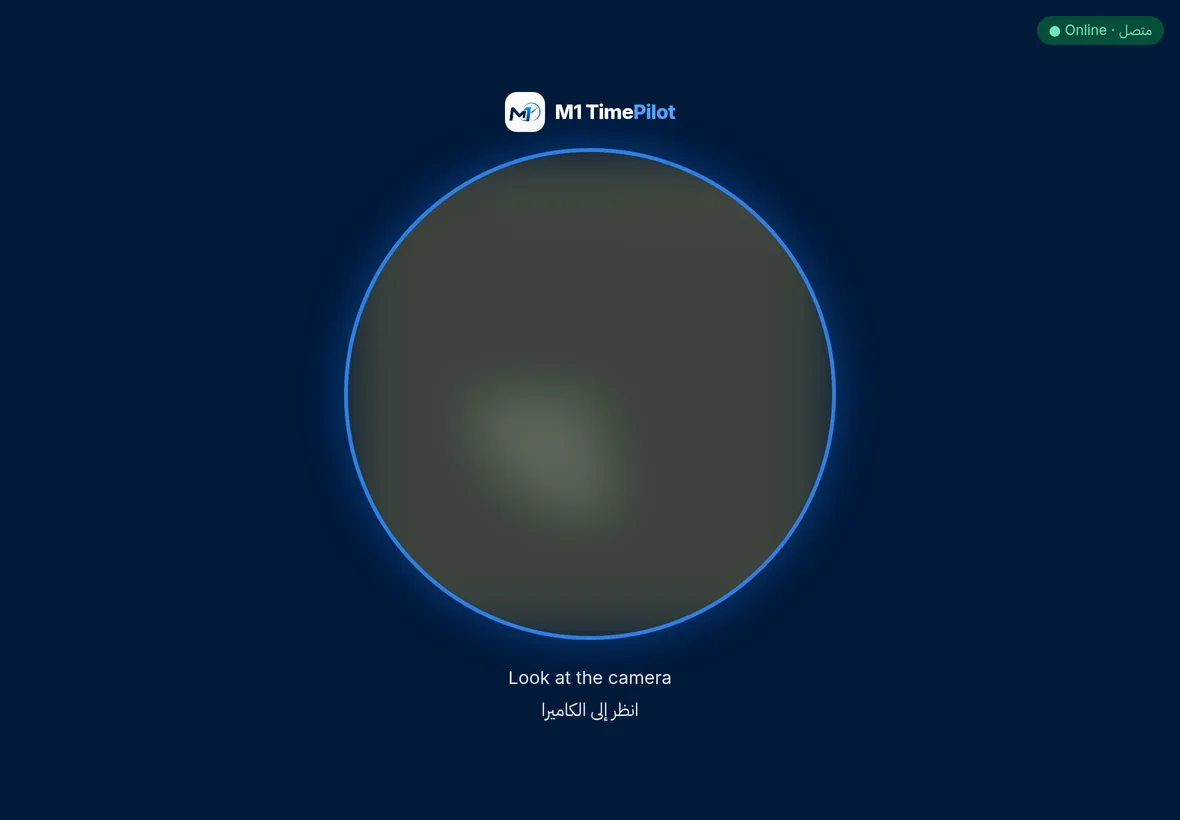
The M1 TimePilot face kiosk is a web application. You create a kiosk for a branch, the platform hands you a one-time pairing link, and you open it on the tablet. From that moment the tablet is a clock-in point tied to that branch.
Because it is a browser kiosk, the tablet is just a tablet — replace it, move it between branches, or run one at each door without buying a terminal for every entrance.
Why it is not just a camera pointed at a door
Liveness, not just likeness
The kiosk asks for a blink and a small head turn. A printed photograph can fake a blink in a video; it cannot turn. After ten seconds it falls back to blink-only so nobody gets stuck at the door.
It works offline
The app shell and the face models are cached on the tablet, and punches taken with no connection queue locally and replay every twenty seconds once it returns. A dropped router does not cost you a shift’s attendance.
The face never leaves the tablet
Matching runs on the device. Only the 128-dimension descriptor reaches the server — never the photograph. Enrolment is blocked until the employee’s PDPL consent is on record.
Bilingual on purpose
Every prompt shows in English and Arabic at the same time. A shared entrance tablet has no signed-in user whose language to guess, so it does not guess.
Setting one up
Create the kiosk
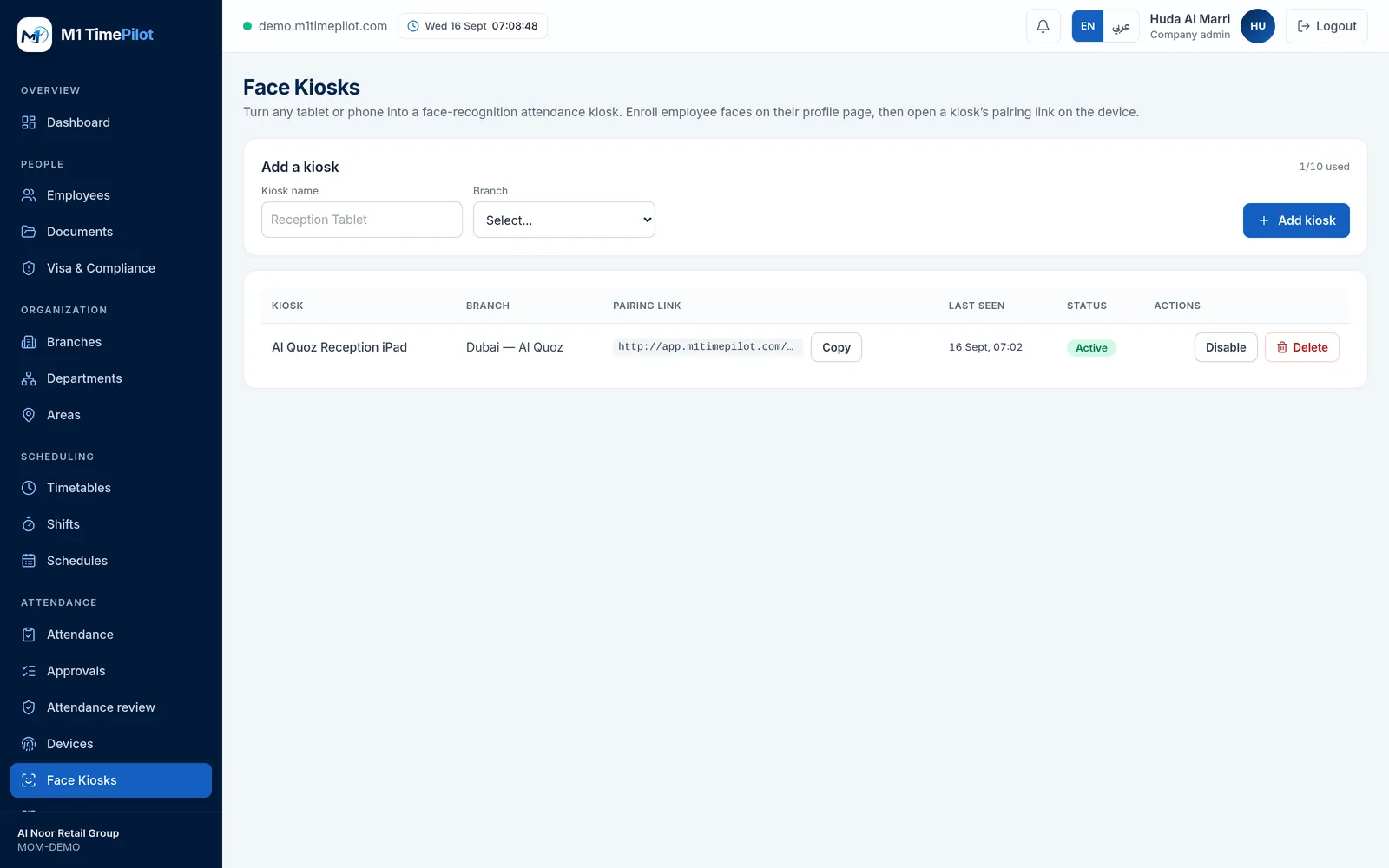
In M1 TimePilot, open Face Kiosks, add one and choose which branch it belongs to.
Open the pairing link
The platform gives you a one-time link. Open it once in Safari on the iPad and the tablet is paired to that branch.
Enrol faces
Enrol each employee from their profile, after recording their consent. Staff who already have a face on a ZKTeco terminal can have it pulled across instead.
Add it to the home screen
Use Add to Home Screen so the kiosk runs full-screen with no browser chrome, and set the iPad to never sleep.
The tablet we recommend
Any tablet with a camera and a modern browser works. This is the one most customers choose, and the one we can supply.
| Model | iPad (11th generation, 2025) — A16 chip |
|---|---|
| Screen | 11-inch |
| Connectivity | Wi-Fi |
| Storage | 128 GB |
| Region | Middle East version |
| What it runs | The M1 TimePilot face kiosk, in Safari — no app install required |
| Plan required | Growth or above (Starter includes no kiosks) |
We supply the tablet as a convenience alongside the software — enquire and we will quote it with the rest of your rollout.
Request a quote
Tell us how many entrances you need to cover and we will come back with options.
Frequently asked questions
No. The kiosk runs in Safari. You create the kiosk in M1 TimePilot, it gives you a one-time pairing link, and you open that link on the tablet. It must be served over https, because browsers only grant camera access on a secure origin.
The kiosk asks for a blink and a small head turn before it accepts a face. A flat printed photo cannot turn. If the challenge takes more than ten seconds it falls back to blink-only, so a slow user is never locked out.
Punches carry on. The kiosk caches its app shell and face models in a service worker and queues offline punches in the browser, replaying them every twenty seconds once the connection returns.
No. Recognition runs on the device and only the mathematical descriptor is sent to the server — never the image. Enrolment is refused until the employee’s UAE PDPL consent is recorded.
Growth or above. The Starter plan includes no kiosks.
Yes. Any tablet or phone with a camera and a modern browser will run the kiosk — the iPad is simply the model customers ask for most.
Ready to get started?
Start a free trial, or talk to us about your sites, devices and shifts.