Rotating QR check-in
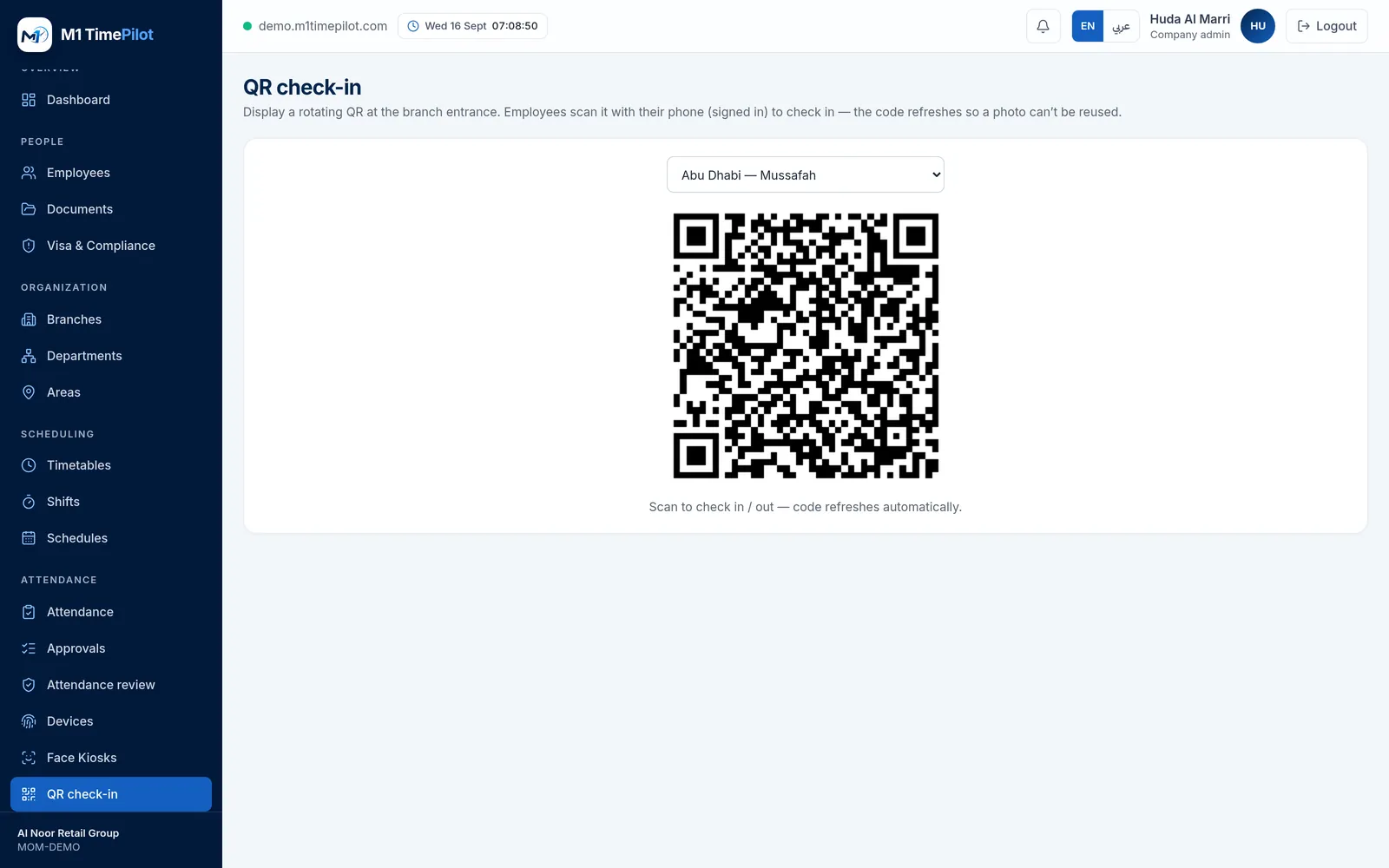
Put a code on a screen at the entrance. It changes every thirty seconds, so a photograph of it is worthless within a minute.
QR check-in is the cheapest way to cover an entrance. There is no terminal to mount and nothing to wire — a manager opens the display screen on any tablet or monitor, and staff scan it with the phone they already carry.
The obvious objection is that someone photographs the code and punches in from the car park. Two things stop that, and they work together.
- 90-second signed token
- New code every 30 seconds
- Scanner must be signed in
How the anti-spoofing actually works
The code is signed, not just random
Each token carries the branch, an expiry and an HMAC signature. A code that was not issued by the platform will not verify, so one cannot be fabricated.
Ninety seconds, then it is dead
The token expires ninety seconds after it is issued, and the display refreshes every thirty. Photographing the screen buys somebody about a minute, and it is a minute they still cannot use.
It identifies the door, not the person
The QR encodes the branch. The scan lands on a page that requires the employee to already be signed in, so the code alone can never punch anybody in.
Only a manager can display it
Issuing tokens requires a manager session. An employee cannot open the display screen and generate codes themselves.
Where QR fits against the other methods
Most companies end up using two or three. They all produce the same timesheet.
QR at the entrance
No hardware beyond a screen. Good for a second door, a temporary site, or a branch that does not justify a terminal.
Face kiosk on a tablet
Nothing for the employee to carry, and a liveness check. Good for a reception desk. See the kiosk →
Biometric terminal
The right answer for a staff entrance with real volume, and the only one that also controls a lock. See the hardware →
Frequently asked questions
No. The code is signed and expires in ninety seconds, and the screen issues a fresh one every thirty seconds. A photograph is stale before it is useful.
It would not help. Scanning only opens an authenticated page — the employee must already be signed in as themselves for the punch to register. The QR identifies the branch, never the person.
Anything with a browser — a tablet, a spare monitor, a laptop at reception. The display screen is a page in the app that a manager opens.
Yes. QR punches go through exactly the same attendance engine as biometric, face, GPS and web punches, so grace periods, overtime and night-shift handling are identical.
QR is available from the Starter plan upwards.
Ready to get started?
Start a free trial, or talk to us about your sites, devices and shifts.